Can you get a better job without mastering Microsoft Office programs? This question has become more realistic today than ever before, because most companies rely on Word, Excel, PowerPoint, and Outlook to carry out daily tasks, from writing reports to analyzing data and preparing presentations. That is why Microsoft Office online courses have become one of the most popular ways students, graduates, and employees develop their skills in a practical and fast way.
With the growth of distance learning, learning Microsoft Office has become easier than ever. You can train from home, practice directly on the programs, and gain skills that are actually used in the workplace. The Microsoft Office Specialist course does not focus only on theory; it depends on practical application that improves the trainee’s efficiency and increases their ability to complete tasks.
In this article, you will learn about Microsoft Office online courses, their importance, the skills you will gain from Word, Excel, and PowerPoint, how to choose the right Microsoft Office course, the relationship between these courses and the MOS certification accredited by Microsoft, how to prepare for the exam, and the advantages of studying at MDIT.
If you are looking for a clear way to develop your digital skills and improve your opportunities in the job market, you will find here everything you need to understand Microsoft Office online courses in a practical and simple way.
What Are Microsoft Office Online Courses?
Microsoft Office online courses have become among the most in-demand courses today due to companies and organizations relying on Microsoft Office programs to manage daily business tasks. Distance learning has also made it easier to access training programs and develop skills from anywhere without the need for traditional attendance, whether you are looking for a Microsoft Office course in Jeddah or a Microsoft Office course in Riyadh.
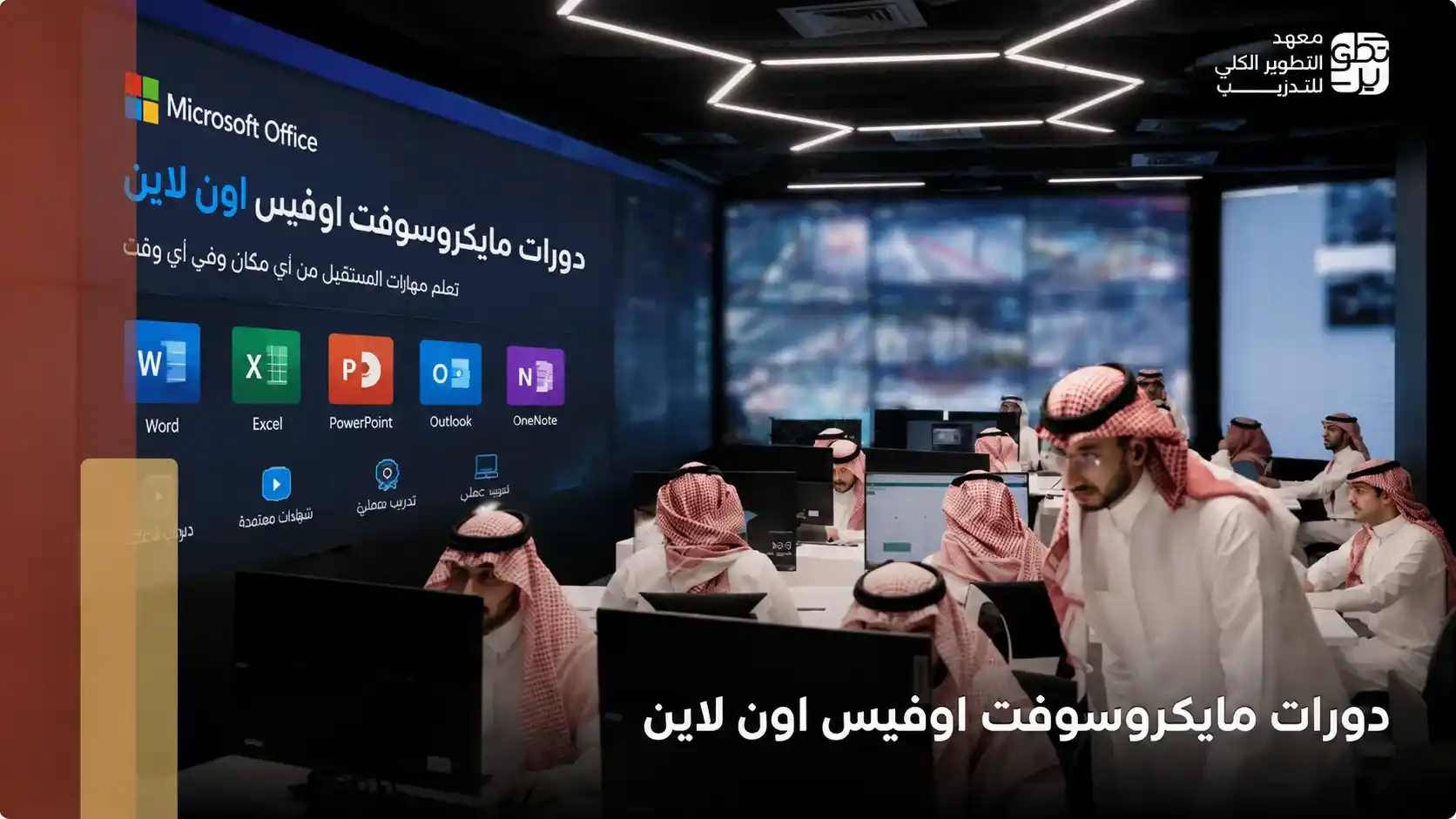
These courses focus on teaching the practical use of Microsoft Office programs, such as:
- Microsoft Word for writing documents and reports.
- Microsoft Excel for analyzing data and creating tables.
- Microsoft PowerPoint for designing presentations.
- Microsoft Outlook for managing emails and دورات مايكروسوفت اوفيس اون لاينmeetings.
A Microsoft Office online course helps develop the office skills required in modern jobs, improve the speed of completing daily tasks, gain practical experience in using Office programs, and organize work and data in a more professional way.
Learning Microsoft Office through online training also gives trainees great flexibility in studying, especially employees and students who need to develop their skills without being restricted by a specific place or time.
MDIT offers the Microsoft Office Specialist MOS course, which helps trainees learn Microsoft Office practically through online training that supports skill development and prepares them for the MOS exam accredited by Microsoft.
The Importance of Learning Microsoft Office Online
The importance of Microsoft Office online courses has increased with the major shift toward digital work and the reliance of organizations on technical skills to carry out daily tasks. That is why a Microsoft Office course in Jeddah or a Microsoft Office course in Riyadh has become an important step for anyone who wants to improve their career opportunities and develop their performance at work.
Learning Microsoft Office online helps you:
- Gain practical skills required in the job market.
- Improve your ability to prepare reports and analyze data.
- Develop communication and presentation skills.
- Increase productivity and complete tasks faster.
- Choose flexible study times.
- Learn from anywhere.
- Apply what you learn practically during training.
- Review the content more than once easily.
The importance of a Microsoft Office course shows that Microsoft Office skills are no longer just additional skills; they have become essential requirements in most administrative, financial, and educational jobs.
Therefore, learning Microsoft Office through practical training programs helps trainees use Word, Excel, PowerPoint, and Outlook more efficiently in both study and work.
What Do You Learn in a Microsoft Office Riyadh Online Course?
Many people search for Microsoft Office online courses to understand the skills they can gain from these training programs, especially since Microsoft Office programs are used daily within companies and organizations. A Microsoft Office Riyadh course includes training on:
- Creating professional documents using Word.
- Preparing tables and analyzing data through Excel.
- Designing presentations using PowerPoint.
- Managing emails and appointments through Outlook.
- Formatting documents professionally.
- Using formulas and functions in Excel.
- Creating charts and analytical reports.
- Designing presentations suitable for meetings and work.
Microsoft Office online courses help develop the practical skills required in the real workplace, which is why many employees and students rely on these courses to improve their professional level.
Learning Microsoft Office through practical training also helps trainees gain real experience in using the programs instead of relying only on theoretical information. Contact us now and learn about the MOS certificate price.
Skills You Gain from a Microsoft Office Jeddah Online Course
Microsoft Office online courses help develop a set of practical skills that companies and organizations need daily. That is why a Microsoft Office Jeddah course has become one of the important programs for students, graduates, and employees who want to improve their professional performance. Some of the most important skills trainees gain include:
- Writing documents and reports professionally using Word.
- Organizing and analyzing data through Excel.
- Creating clear presentations using PowerPoint.
- Managing emails and appointments through Outlook.
- Formatting files and organizing information better.
- Improving the speed of completing daily tasks.
- Reducing errors while working on data and reports.
- Developing presentation and communication skills in meetings.
- Increasing productivity within the workplace.
Learning Microsoft Office is an important step toward gaining digital skills required in most modern jobs, especially as organizations increasingly depend on Microsoft Office programs to manage daily business operations.
The Best Way to Learn Word, Excel, and PowerPoint Online
Some people believe that watching tutorials alone is enough to master Microsoft Office programs, but the best way to benefit from Microsoft Office online courses is to rely on continuous practical application during learning. Word, Excel, and PowerPoint can be learned more effectively through:
- Direct practice on each program during the explanation.
- Completing practical projects and exercises that simulate the workplace.
- Practicing daily tasks used inside companies.
- Using shortcuts and tools that increase performance speed.
- Reviewing practical applications continuously.
- Understanding tool functions faster.
- Gaining real experience in using the programs.
- Improving the ability to work with data and reports.
- Developing presentation preparation skills.
That is why an online Microsoft Office Specialist course that depends on practical application gives trainees a greater opportunity to gain the skills required in the job market instead of relying only on theoretical study.
How Do You Choose the Right Microsoft Office Specialist Course?
With the wide variety of available training programs, choosing the right course has become an important step to gain real value from Microsoft Office online courses. The quality of training directly affects the level of skill the trainee gains and their ability to use Microsoft Office programs in study and work.
When choosing the right course, it is better to focus on several important points:
- The course should depend on practical application, not only theoretical explanation.
- It should include Word, Excel, PowerPoint, and Outlook.
- It should provide training on tasks used in the workplace.
- The trainers should have practical experience in Microsoft Office programs.
- It should offer flexible online study and easy access to the content.
- It should include a program that helps prepare for the accredited MOS exam.
A good Microsoft Office Specialist course helps develop office skills required in modern jobs, improve the speed of using Office programs, gain practical experience in preparing reports and analyzing data, and organize work and files more professionally.
Therefore, choosing the right Microsoft Office online courses helps trainees learn Microsoft Office in a practical way that prepares them better for the job market.
Advantages of Studying Microsoft Office Online Courses
Many people prefer Microsoft Office online courses because of the great flexibility they provide compared to traditional courses, especially with the ability to learn from anywhere and at times that suit the trainee. Some of the most important advantages of studying online courses include:
- Easy access to training content from anywhere.
- Flexibility in organizing study time.
- The ability to repeat explanations and applications more than once.
- Saving the time usually spent on transportation and traditional attendance.
- The opportunity to learn while studying or working.
Microsoft Office online courses also help develop digital skills practically, gain experience in using Word, Excel, and PowerPoint, improve productivity at work, and increase employment and career promotion opportunities.
Learning Microsoft Office through online programs is a suitable opportunity for anyone who wants to develop their skills without affecting their daily commitments, especially with the availability of training programs that depend on direct practical application.
MOS Certification and Its Relationship with Microsoft Office Online Courses
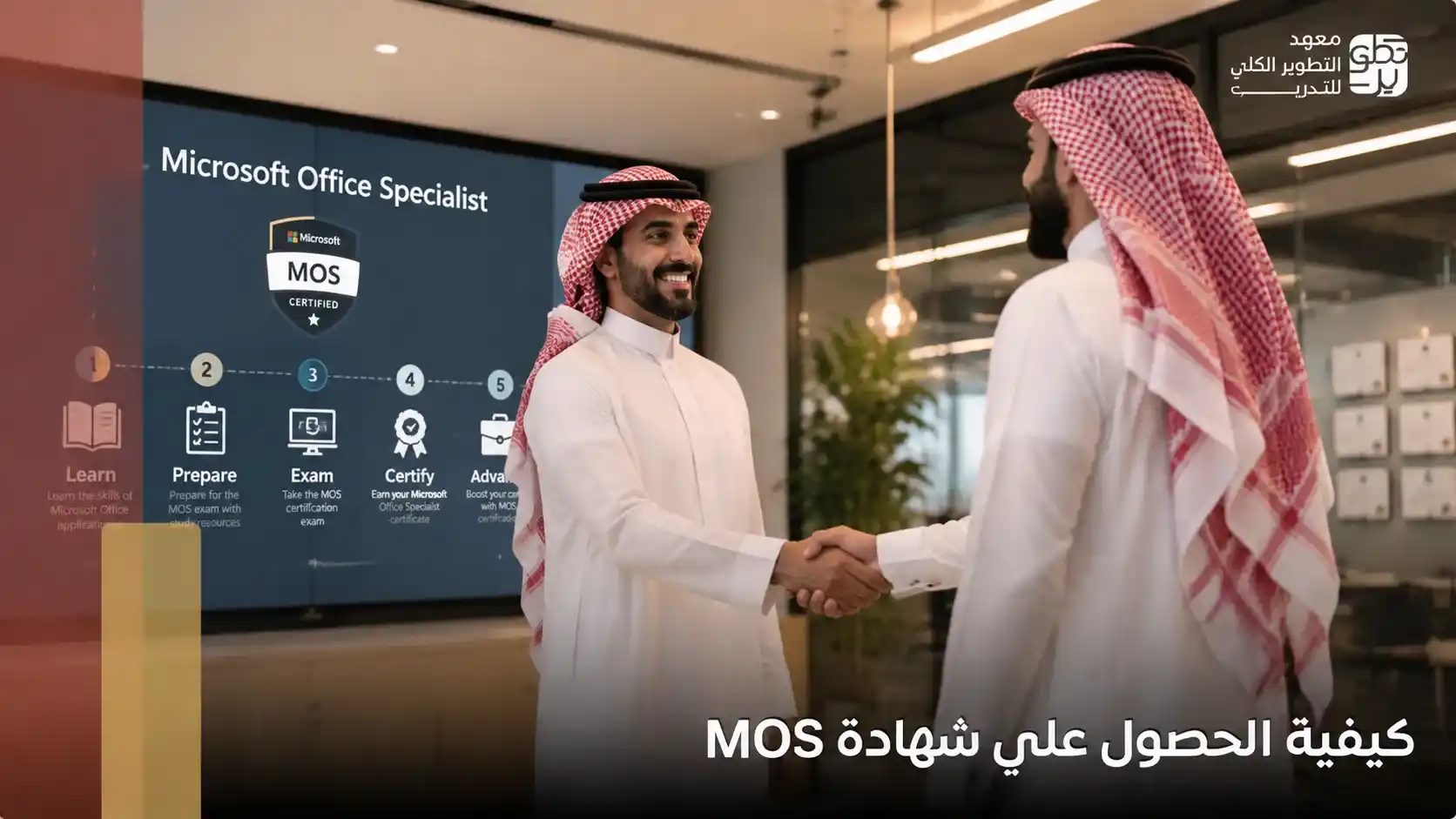
Microsoft Office online courses are strongly connected to the MOS certification because they help trainees gain the skills required to pass the exam accredited by Microsoft.
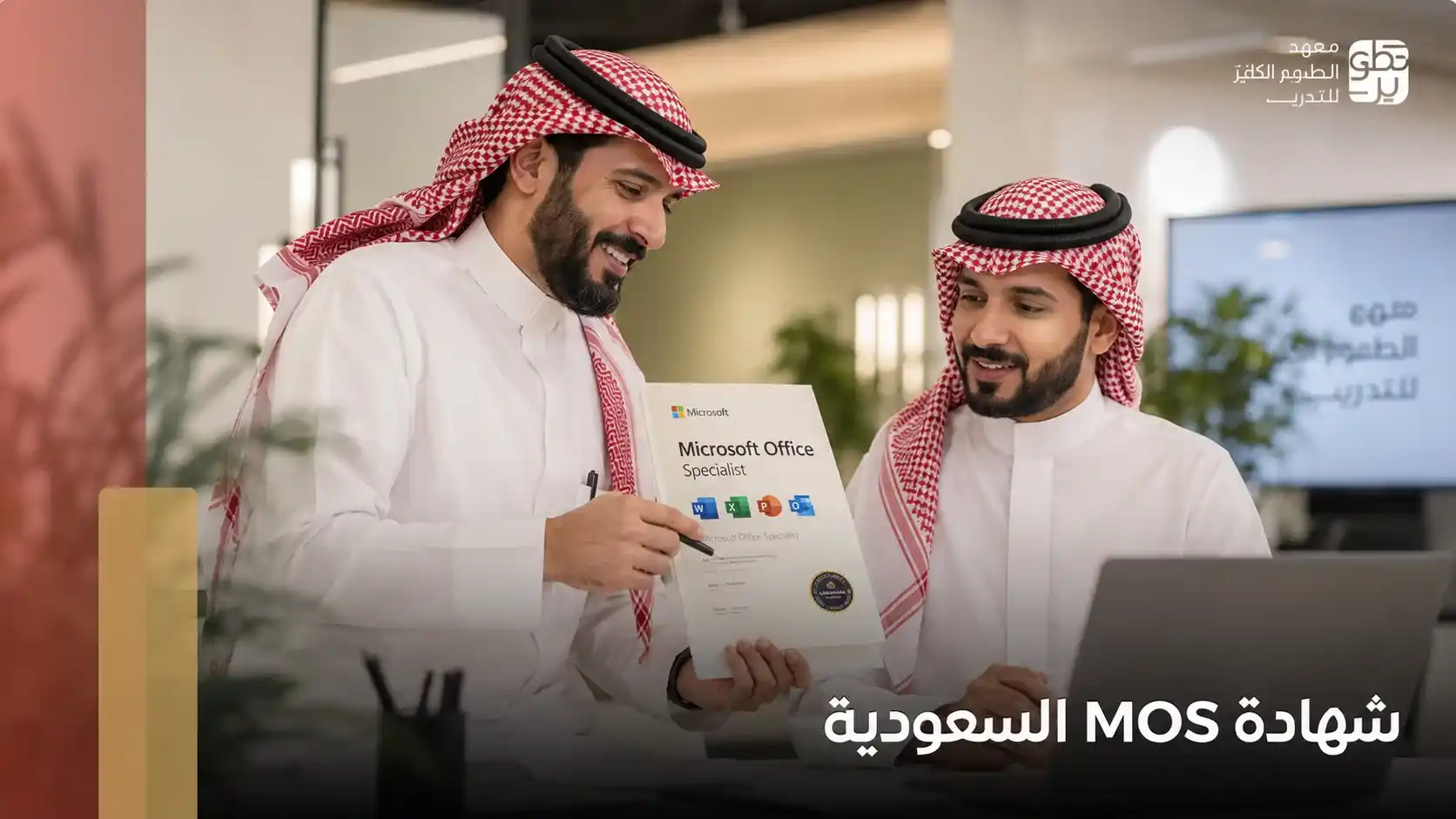
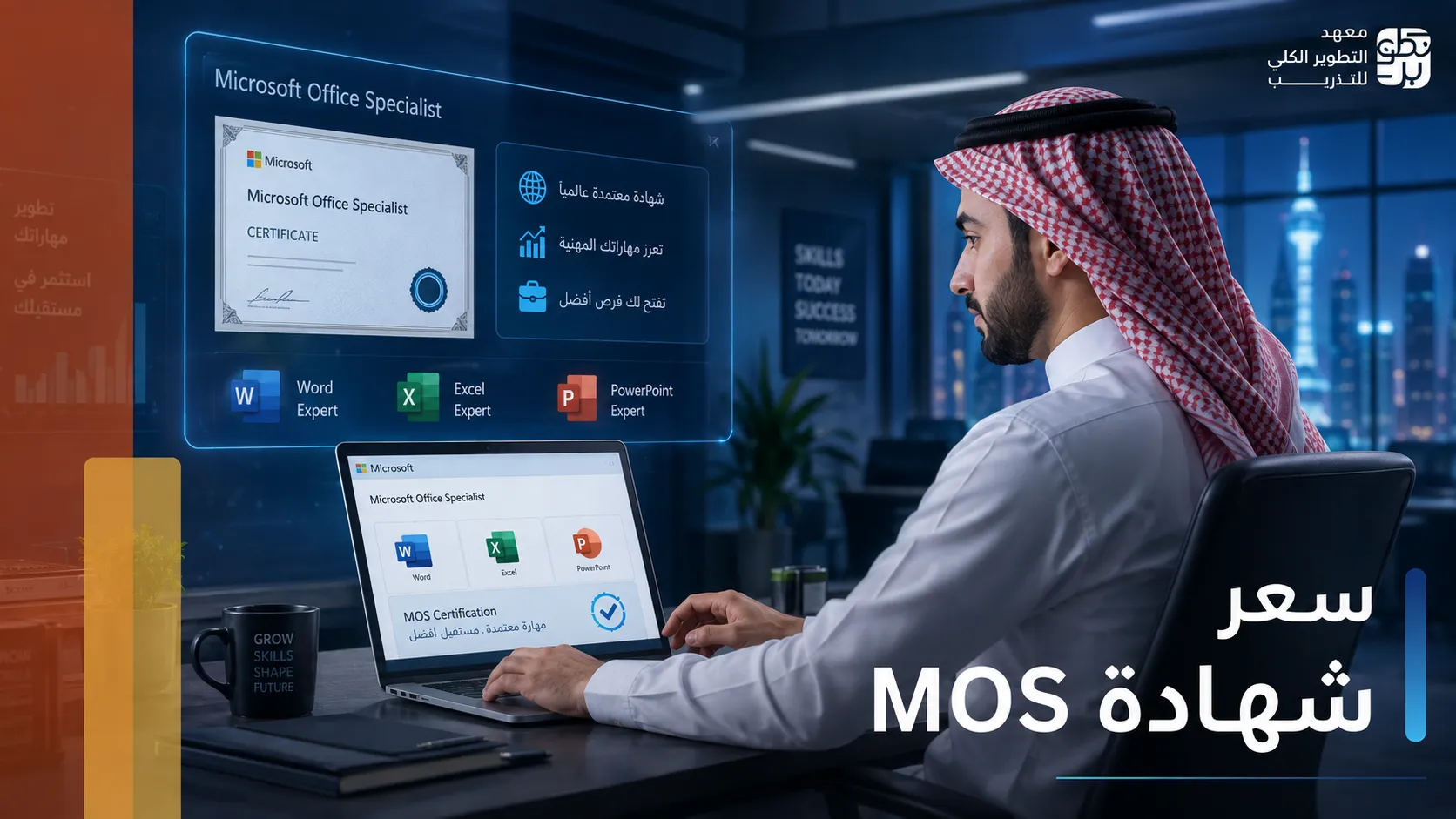
MOS, or Microsoft Office Specialist, is an international certification that proves a person’s ability to use Microsoft Office programs professionally within the workplace. That is why many trainees rely on online courses to prepare for the exam in an organized and practical way.
Training courses help you:
- Understand the skills required in the exam.
- Practice Word, Excel, PowerPoint, and Outlook.
- Solve applications similar to the real exam.
- Develop performance speed and accuracy while completing tasks.
Learning Microsoft Office through specialized training programs also helps improve the chances of passing the MOS exam, gain skills required in the job market, develop the ability to use Office programs professionally, and improve employment and career promotion opportunities.
That is why Microsoft Office online courses have become one of the best ways to prepare for obtaining the MOS certificate in Saudi Arabia accredited by Microsoft.
How to Prepare for the MOS Exam Through Online Courses
Good preparation for the exam greatly helps in passing the MOS certification. That is why many trainees depend on Microsoft Office online courses to gain the required skills and practice the practical tasks that appear in the exam.
The MOS exam depends on practical application inside Microsoft Office programs. Therefore, the trainee needs continuous practice on Word, Excel, PowerPoint, and Outlook, not only watching or reading.
You can prepare for the exam through:
- Daily practical training on Microsoft Office programs.
- Solving applications similar to the real exam.
- Practicing tasks used in the workplace.
- Improving the speed of executing commands inside the programs.
- Reviewing important tools and shortcuts.
Microsoft Office online courses also help trainees understand the exam method more clearly, gain confidence during practical application, develop data analysis and report preparation skills, and reduce errors while completing tasks.
Learning Microsoft Office practically is one of the most important factors that helps trainees pass the exam, because the MOS certification measures the trainee’s actual practical skills. Contact us now and learn how to obtain the MOS certificate.
Why Choose MDIT to Study Microsoft Office Online Courses?
Choosing a strong training provider helps you gain real value from Microsoft Office online courses, especially if your goal is to develop practical skills and prepare to obtain the MOS certification accredited by Microsoft.
MDIT offers the Microsoft Office Specialist MOS certificate program, which depends on practical training and direct application on Microsoft Office programs in a way that helps trainees gain the skills required in the job market.
Some of the institute’s most important advantages include:
- Practical training on Word, Excel, PowerPoint, and Outlook.
- Simple explanation suitable for beginners and experienced learners.
- Trainers with practical experience in Microsoft Office programs.
- Training on applications that simulate the real exam.
- Flexible online study from anywhere.
- Developing office skills required in modern jobs.
- A program that helps you learn Microsoft Office in a practical and organized way.
- A focus on practical application instead of theoretical explanation only.
- Helping trainees prepare for the MOS exam with greater confidence.
- Improving performance speed inside Office programs.
- Gaining practical experience in preparing reports and presentations.
- Developing data analysis skills using Excel.
- Improving employment and career promotion opportunities.
If you are looking for information about Microsoft Office and the best Microsoft Office online courses, and you want practical training that helps you develop your skills and prepare for the MOS exam, you can now register in the Microsoft Office Specialist MOS certificate program offered by MDIT and benefit from online training and intensive practical applications.
Frequently Asked Questions
Are Microsoft Office online courses accredited?
Yes, the Microsoft Office online courses offered by MDIT are accredited and provide practical training that helps trainees develop Microsoft Office skills and prepare for the MOS certification exam accredited by Microsoft, in line with the needs of the Saudi job market.
How long does it take to study Microsoft Office courses?
Studying Microsoft Office courses at MDIT takes 10 training days, with a total of 40 hours delivered remotely, including practical training that helps trainees develop their Microsoft Office skills and prepare to pass the MOS certification exam accredited by Microsoft.