If you love drawing and have artistic talent, it’s time to expand your skills using modern technology. Today, you no longer need to carry many brushes or worry about dried colors; all tools and effects are easily available in digital drawing programs.
Exploring information about digital art is the first step toward transforming your traditional studio into a complete digital workspace. Don’t worry—this field does not reduce your talent; instead, it gives you the freedom to experiment and correct mistakes easily. If you are a beginner, the “Beginner Level” course will help you learn the basics and start your journey toward professionalism.
Information About Digital Art
Drawing has always been associated with paper, pencils, and colors. However, with technological development, what we now call Digital Art has emerged. It is one of the newest forms of visual art that has evolved thanks to the internet.
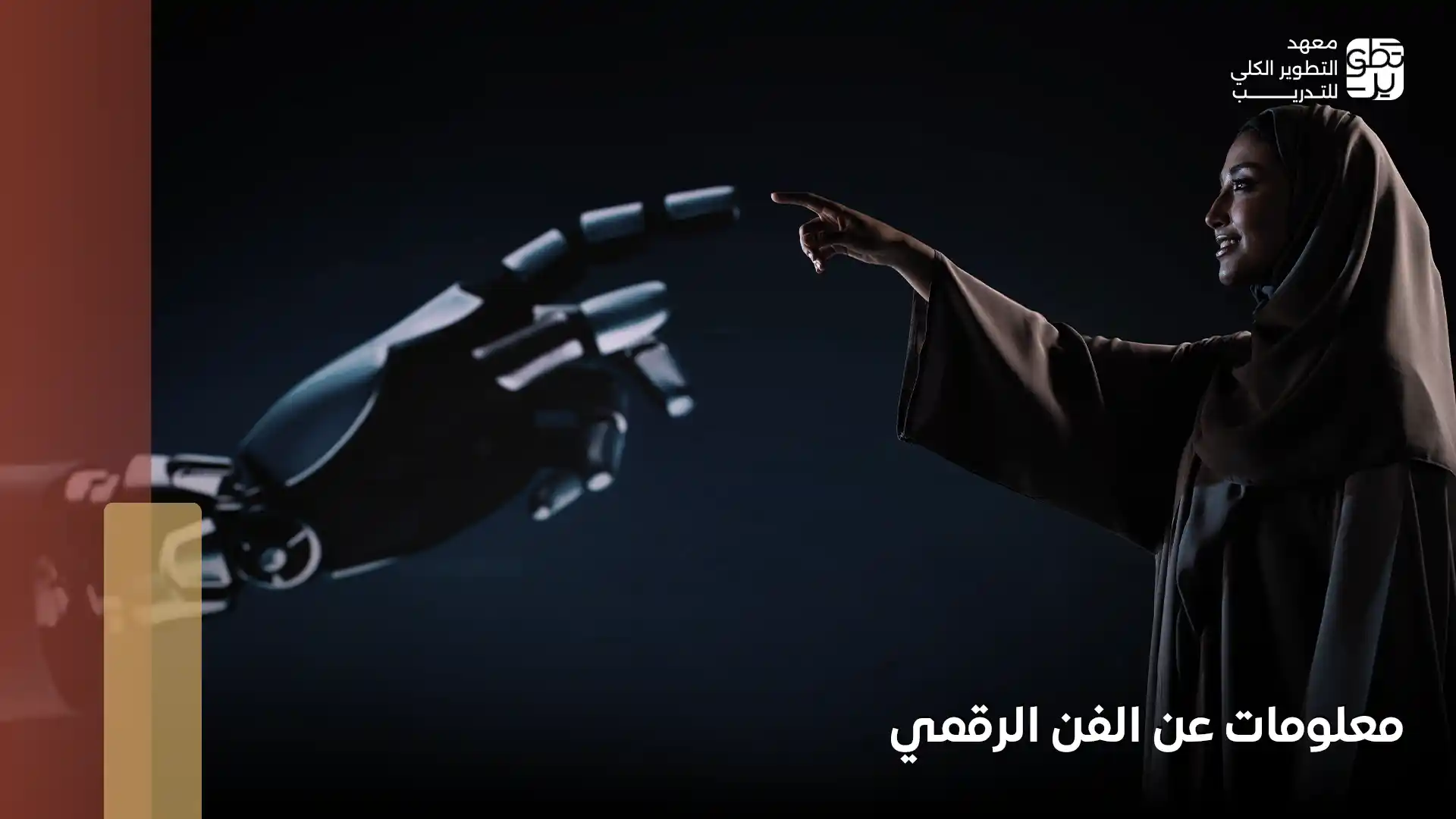
When we look for information about digital art, we find that it simply refers to art that uses the computer as the primary tool of expression instead of traditional tools. It is called “digital” because it relies on the language of numbers and programming that computers understand.
Digital art is not just pressing a button, as some people might think. In reality, it is a fusion of the artist’s imagination with professional software such as Photoshop. Here, the computer screen becomes a canvas where artists create their own digital dimension using filters and brushes that simulate the texture of oil paints or pencil strokes with incredible accuracy.
One of the interesting facts about digital art is that major museums around the world, including those in San Francisco, have begun to pay great attention to this form of art and host international exhibitions dedicated to it. This reflects a growing belief that talent is what truly matters—whether the brush is wooden or digital.
The Most Important Digital Drawing Basics for Beginners
After learning some information about digital art and its history, you might wonder: how do I actually start? The truth is that you don’t need the most expensive equipment to produce impressive work. However, understanding the basics of digital drawing for beginners will save you a lot of time and effort.
Here are the key principles to focus on at the beginning:
- Invest in the right tools (not the most expensive ones):The most important thing you need is a device that supports pressure sensitivity, such as an iPad or a drawing tablet. This feature allows you to control the thickness of the line just like a real brush.
- Understanding Brushes: Do not overwhelm yourself with hundreds of brushes at the beginning. Start with a basic set (soft brush, texture brush, and detail brush), and learn how to control opacity and flow so your artwork looks natural and vibrant.
- Color Harmony: Just like traditional drawing, you must understand the color wheel. Avoid using too many colors. Instead, choose a harmonious color palette.
- Canvas Resolution: A common mistake in beginner digital drawing is using low resolution. Always start with at least 300 DPI if you plan to print your artwork, and a canvas size of at least 2000 pixels to preserve details when zooming.
- Keyboard Shortcuts: If you are using a computer, learning shortcuts will save you hours of work. With one click, you can undo mistakes or switch tools instantly.
Remember that mastering digital drawing requires patience and practice. If you are looking for a structured learning path and comprehensive information about digital art, the “Digital Art – Beginner Course” offered by MDIT will help transform your basics into professional skills that open doors to both Saudi and international digital art.
Types of Digital Drawing for Beginners
Digital art is no longer limited to simple drawings as it once was. Today, it has become a vast world filled with different specialties that suit various skills and artistic preferences.
If you are looking for information about digital art, it is important to learn about the main types of digital drawing so you can determine which field suits you best.
- Pixel Art: This style is based on using individual pixels as the main building blocks of the image, similar to classic video games from the 1990s. It has a unique charm that blends simplicity with nostalgia.
- Vector Painting: This type relies on mathematical equations instead of pixels, making it the preferred choice for logo and icon designers because the artwork retains its quality regardless of scaling.
- 2D Digital Painting: The most common type of digital art. Artists use software to simulate traditional drawing styles such as pencil, oil painting, or watercolor. It is widely used in magazines and comic illustrations.
- 3D Modeling: In this field, artists move beyond flat surfaces to create three-dimensional objects with length, width, and depth. It plays a major role in animation films, video games, and even architectural visualization.
- Photo Painting: A creative form that combines photography and painting. Artists integrate photographs and paint over them to add artistic touches or modify visual details.
- Digital Collage Art: Similar to cutting and pasting paper images, but digitally. Artists combine elements from different photos and adjust their colors and sizes to create a cohesive artistic composition.
The diversity of these styles proves that digital art is not only about technical rules but also about creative freedom. To learn more information about digital art, join the Digital Art – Beginner Course, where we guide you step by step from zero.
How to Create Digital Drawings
Although artists have different styles and software preferences, any successful digital artwork follows essential steps that help achieve impressive results, especially for beginners exploring information about digital art.
- Choose your preferred software: Start with a program that suits your workflow. Beginner-friendly options include Procreate, while professionals often use Photoshop.
- Create a Sketch: Do not pressure yourself at the beginning. You can sketch your idea on paper first, photograph it, and upload it to the software as a reference.
- Use Layers Effectively: Separate each element into layers (background layer, drawing layer, coloring layer). This way, if you make a mistake, you won’t need to redo the entire artwork.
- Basic Coloring: Start with flat base colors for each element before adding complex details. This is one of the secrets of professional digital painting.
- Final Touches: Add shadows, highlights, and textures that bring life to your artwork.
- Saving and Exporting: After merging layers, save your artwork in widely supported formats so you can share it with the world.
Mastering these steps forms the foundation of learning digital drawing for beginners. The Digital Art – Beginner Course at MDIT will guide you through these concepts step by step.
Digital Drawing Tools
When discussing information about digital art, it is essential to know the tools used by digital artists. These tools are divided into three main categories:
1- Hardware
- Computer or Laptop: This is the core engine of your digital studio. You need a device with a strong processor and a color-accurate display capable of running design software smoothly.
- Graphic Tablets: These devices provide a touch-sensitive surface connected to your computer. You draw on the tablet with a stylus while the result appears on your screen (such as Wacom Intuos tablets).
- Stylus Pen: A modern alternative to traditional brushes. Stylus pens have pressure and tilt sensitivity, allowing artists to achieve natural strokes similar to drawing on paper.
2- Software
Learning digital drawing is incomplete without choosing the right software. Popular programs include Adobe Photoshop and Corel Painter, which offer countless brushes, layers, and filters for creating detailed artwork.
3- Supporting Tools
- Keyboard and Mouse: Used for quick navigation, switching tools, and controlling layers.
- Digital Fonts: Artists often use different font styles to add emotional or stylistic elements to designs, especially in logo projects.
- Digital Notebooks: Useful for quickly capturing ideas and early sketches before turning them into full artworks.
With the rapid development of technology, innovations such as virtual reality art tools have opened new creative possibilities in digital art worldwide.
Learning Digital Drawing for Beginners
If you are looking for clear and structured information about digital art, this course is designed to guide you step by step—from the basics to creating professional digital illustrations.
In the Digital Drawing Course offered by MDIT, you will learn how to transform your ideas into visually appealing artworks using the tools and techniques relied upon by professional artists around the world.
The academy offers two learning options:
- In-person attendance (Offline): 750 SAR
- Online learning: 575 SAR
During the course, you will study the fundamentals of digital drawing in a practical and progressive way. You will begin by understanding visual composition principles such as balance, lighting, and shadows. Then you will learn how to use professional digital art software like Procreate and Adobe Photoshop.
You will also practice free digital sketching, learn how to work with layers and brushes, and develop techniques for realistic coloring and shading.
Course Topics (Beginner Level)
- Understanding the difference between traditional and digital drawing
- Learning the fundamentals of composition, lighting, shading, and proportions
- Exploring essential tools and learning how to use layers effectively
- Practicing daily drawing exercises to improve hand control and observation skills
- Completing simple projects to apply the skills learned during the course
This course is the perfect starting point for anyone who wants to learn digital drawing. It focuses not only on theory but also on practical training that builds confidence and creativity.
At the end of this journey, you will be able to leave your artistic mark in both the Saudi and global digital art scenes while developing your own unique style.
In conclusion, after exploring the most important information about digital art and the essential steps to begin your journey, it’s time to turn your passion into a professional skill. Through the Digital Art – Beginner Course at MDIT, you can start building your path in this exciting creative field.