
Digital skills have become an essential part of almost every job today. Using Microsoft Office programs is no longer just an additional skill; it has become a core requirement within companies, educational institutions, and administrative organizations. Microsoft indicates that Office applications are widely used around the world for business management, data analysis, report creation, and presentations, which highlights the importance of searching for information about Microsoft Office and learning how to use it practically.
In this article, you will learn comprehensive information about Microsoft Office, starting with what Microsoft Office is and its most popular programs, moving through the most important Microsoft Office applications used in companies, how to learn Microsoft Office for beginners step by step, the key Microsoft Office skills required in the job market, the meaning of Microsoft Office Specialist and the MOS certification, and the practical learning method. The article also highlights why you should choose MDIT to study the MOS certification program.
If you want to develop your office skills, improve your career opportunities, and gain practical experience in using Microsoft Office programs, this article will give you everything you need to understand information about Microsoft Office in a clear and simple way.
What Is Microsoft Office?
When searching for information about Microsoft Office, you will find that it is one of the most widely used software packages in the world within companies, educational institutions, and administrative sectors. Microsoft Office is a suite of office applications developed by Microsoft to simplify daily tasks, improve productivity, and organize work. Office programs help users complete many tasks, such as writing documents, analyzing data, designing presentations, and managing email.
The importance of knowing information about Microsoft Office is not limited to students only; it also extends to employees, business owners, and anyone who needs to organize their work more effectively. MDIT offers a specialized program for learning Microsoft Office practically through the Microsoft Office Specialist MOS certification course, which helps trainees gain the required skills and prepare for the Microsoft-accredited exam.
Information About Microsoft Office and Its Most Popular Programs
Searching for information about Microsoft Office has become common because most organizations rely on Microsoft Office programs to manage daily business tasks. These programs are known for their ease of use and wide range of functions that help organize work and improve performance. The most popular Microsoft Office programs include:
- Microsoft Word for creating professional reports and documents.
- Microsoft Excel for analyzing data and creating tables and formulas.
- Microsoft PowerPoint for designing presentations.
- Microsoft Outlook for managing email and organizing meetings.
- Microsoft Access for creating and managing databases.
Each program within the suite performs a different function, which makes learning Microsoft Office an important step for anyone who wants to develop their practical skills. If you search for information about Microsoft Office, you will find that these programs are used in:
- Companies and administrative institutions.
- Schools and universities.
- Accounting and financial analysis.
- Human resources.
- Marketing and sales.
This wide usage has made Microsoft Office one of the essential skills employers look for when hiring, especially in jobs that rely on report preparation, data analysis, and internal communication.
The Most Commonly Used Microsoft Office Applications in Companies
Companies rely on Microsoft Office programs daily to carry out administrative tasks, organize data, and support communication between employees. Therefore, understanding information about Microsoft Office helps identify the most commonly used programs in the workplace.
The most commonly used Microsoft Office applications in companies include:
- Microsoft Word for preparing contracts, letters, and official reports.
- Microsoft Excel for organizing financial data and preparing tables and analytical reports.
- Microsoft PowerPoint for delivering presentations, meetings, and projects.
- Microsoft Outlook for managing email and scheduling meetings.
Excel is widely used in financial and administrative departments because of its ability to:
- Analyze data.
- Create charts.
- Organize information accurately.
- Perform calculations quickly.
Word is also one of the most important programs used daily for writing official documents, while PowerPoint helps present ideas and projects professionally during meetings and presentations.
For this reason, Microsoft Office has become essential for anyone who wants to work in modern companies, as most jobs directly depend on these applications to complete daily tasks.
Learning Microsoft Office for Beginners Step by Step
Some people think that learning Microsoft Office programs requires strong technical experience, but the truth is that learning Microsoft Office can begin with simple, organized steps that help any beginner develop their skills gradually. This is why many people search for information about Microsoft Office to understand the right learning method.
You can start learning Microsoft Office through:
- Understanding the interface of each program and how to use the basic tools.
- Learning how to write and format documents using Word.
- Practicing how to create tables and formulas in Excel.
- Designing simple presentations using PowerPoint.
- Using Outlook to manage email and organize meetings.
After learning the basics, the trainee begins practical application through real tasks such as:
- Preparing reports.
- Organizing data.
- Creating presentations for work or study.
- Managing files and email correspondence.
Information about Microsoft Office shows that continuous practice is the most important factor in gaining skill, because these programs depend directly on hands-on application.
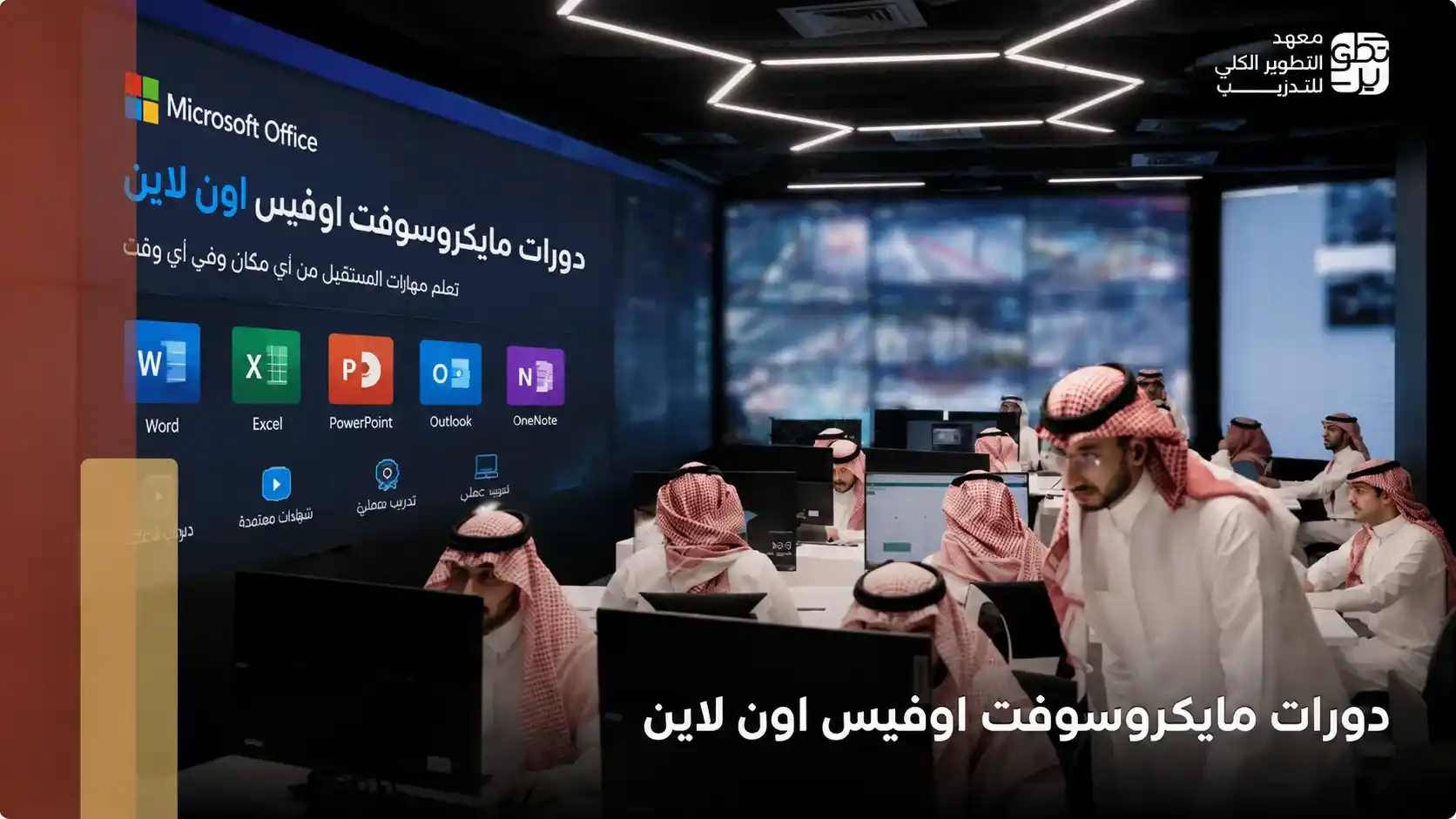
MDIT offers a practical program that helps learners study Microsoft Office step by step through the Microsoft Office Specialist MOS certification course, which combines explanation, practical application, and preparation for the Microsoft-accredited exam.
Microsoft Office Specialist and What Does the MOS Certification Mean?
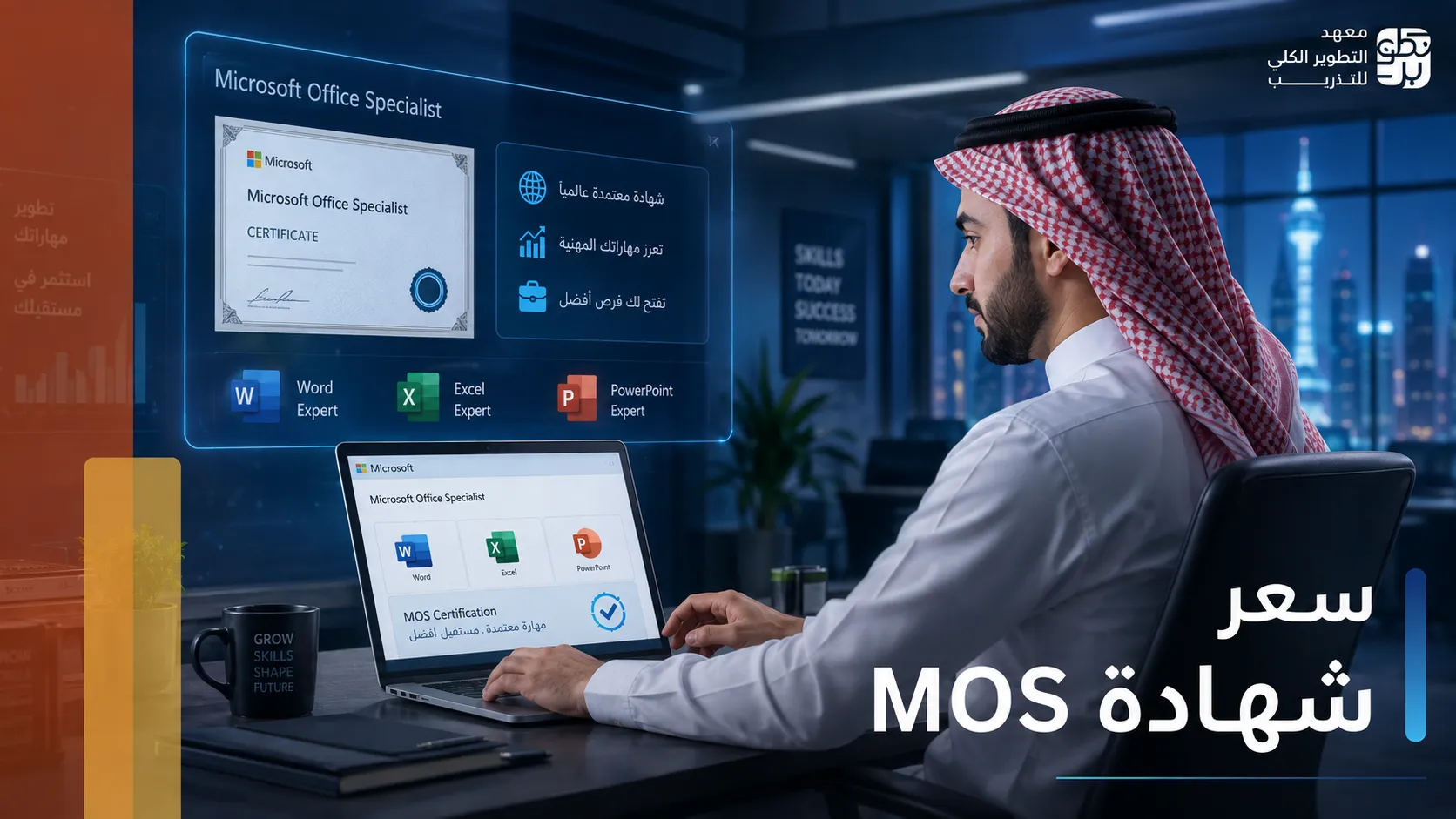
When searching for information about Microsoft Office, you will often find the term Microsoft Office Specialist or MOS certification. It is an international certification accredited by Microsoft that aims to measure practical skills in using Microsoft Office programs.
MOS stands for Microsoft Office Specialist. It proves that a person can use Office programs professionally in the workplace. Therefore, it is considered an important certification for students, graduates, and employees. The Microsoft Office Specialist certification includes training on:
- Microsoft Word.
- Microsoft Excel.
- Microsoft PowerPoint.
- Microsoft Outlook.
The MOS certification has several important advantages:
- It is globally accredited by Microsoft.
- It depends on practical application rather than theoretical memorization.
- It helps improve employment opportunities.
- It proves real skills in using Office programs.
Learning Microsoft Office through a specialized program helps the trainee understand the programs more deeply and prepare for the exam correctly.
MDIT offers a complete preparation program for obtaining the MOS certification through practical training that helps trainees gain the required skills and practice for the Microsoft-accredited exam.
Why Choose MDIT to Learn Microsoft Office?
Choosing the right training provider is an important factor for anyone who wants to develop their practical skills in Microsoft Office. This is why many people search for information about Microsoft Office and training programs that help them gain the required skills professionally. MDIT offers a specialized Microsoft Office program through the Microsoft Office Specialist MOS certification course, which focuses on practical application and preparation for the accredited exam.
The institute’s key advantages include:
- Direct practical training on Word, Excel, PowerPoint, and Outlook.
- Simple explanations suitable for beginners and experienced learners.
- Trainers with experience in Microsoft Office programs.
- Training on practical models that simulate the real exam.
- Flexible distance learning options suitable for students and employees.
- A training program that helps develop the skills required in the job market.
The program also helps trainees:
- Improve task completion speed at work.
- Develop report and presentation preparation skills.
- Gain data analysis skills using Excel.
- Prepare to pass the MOS certification exam with confidence.
If you want to learn Microsoft Office in a practical way that helps you develop your professional level, you can join the MOS certification program in Saudi Arabia offered by MDIT and benefit from accredited practical training.
In conclusion, after learning information about Microsoft Office, you will notice that Microsoft Office programs have become essential tools used by the job market across various fields. Whether you are a student, an employee, or looking to develop your professional skills, Microsoft Office helps you improve your productivity, organize your work, and gain practical skills required within companies and institutions.
There is no doubt that receiving professional practical training gives you a greater opportunity to understand the programs correctly and benefit from them in daily work, especially with the importance of the MOS certification in proving practical skills in using Word, Excel, PowerPoint, and Outlook.
If you want to develop your professional level and gain accredited practical skills, you can now join the Microsoft Office Specialist MOS certification program offered by MDIT and benefit from practical training and preparation to pass the Microsoft-accredited exam.
Frequently Asked Questions
What Are the Advantages of Microsoft Office?
Microsoft Office programs are known for their ease of use and the variety of tools that help complete daily tasks in study and work. The most important advantages include Easy creation of documents and reports، Organizing and analyzing data through Excel، Designing professional presentations، Managing email and meetings & Improving productivity and task completion speed.
What Is Microsoft Office and What Are Its Uses?
Microsoft Office is a group of office applications developed by Microsoft to help users complete daily tasks in a more organized and efficient way. Its uses include Writing documents and reports، Creating tables and analyzing data، Designing presentations، Managing email and appointments & Organizing files and information at work or study. Information about Microsoft Office shows that these programs have become an essential part of the modern work environment because companies and institutions rely on them heavily.
What Is the Function of Microsoft Office?
The function of Microsoft Office is to simplify office work and organize daily tasks within institutions, companies, and universities. The programs help with writing documents, analyzing data, designing presentations, and managing email.